Why Character Counts Matter for Twitter Threads
When it comes to creating engaging Twitter threads, every character matters. Twitter may look simple on the surface, but its strict character limits shape how ideas are shared, consumed, and amplified. Understanding the Twitter character count is not just a technical detail — it’s a strategic advantage for anyone who wants to grow reach, clarity, and engagement on the platform.
- Understanding Twitter Character Count
- Why Character Limits Matter More in Threads
- How Character Count Impacts Engagement
- Common Twitter Character Count Mistakes
- Track Twitter Character Count Accurately
- A Smarter Way to Write Twitter Threads
- Final Thoughts
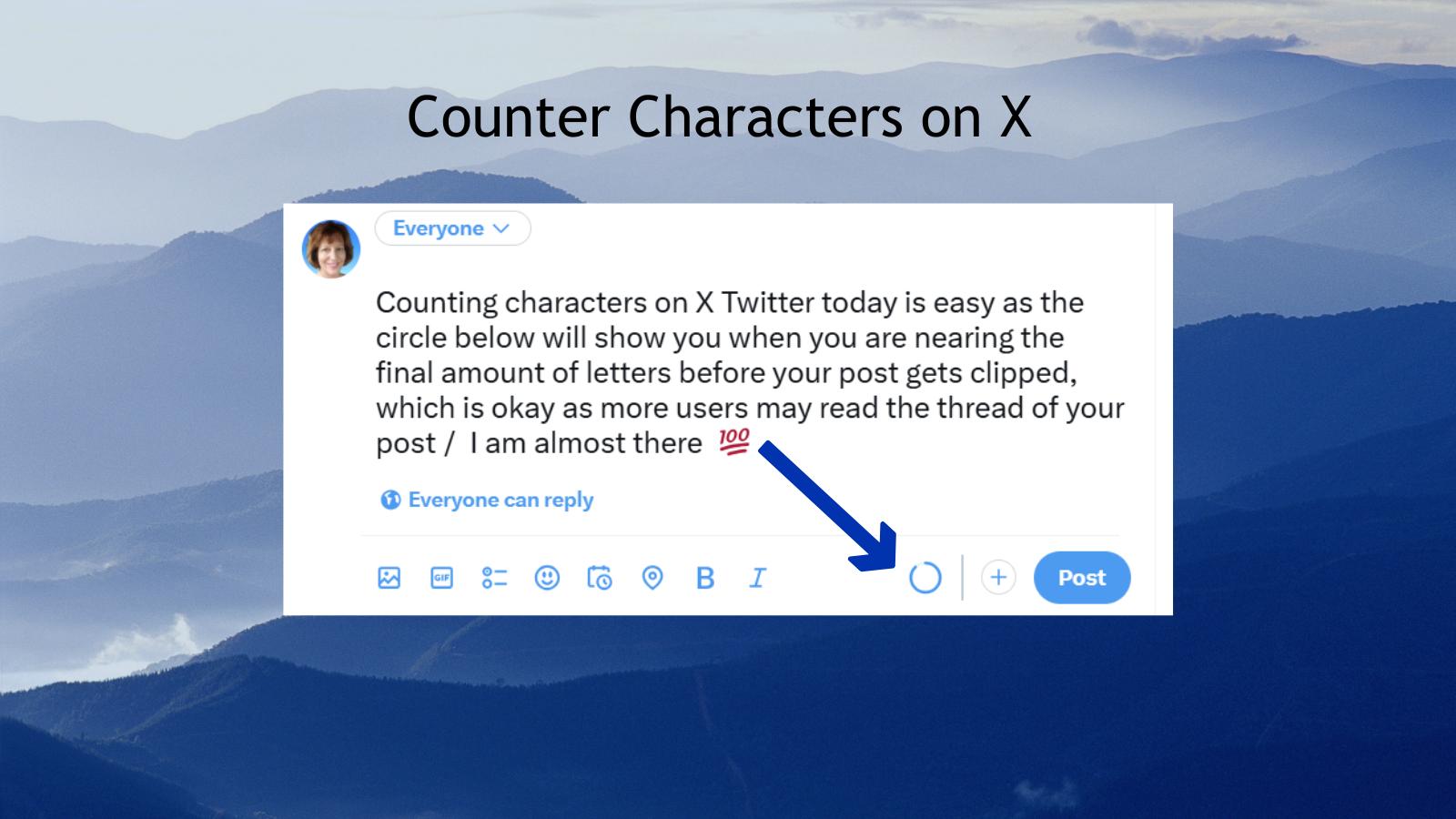
Understanding Twitter Character Count
Twitter currently allows 280 characters per tweet, including spaces. While that may sound generous, it fills up quickly once you start adding links, hashtags, or mentions. Emojis, line breaks, and special characters can also affect how your text is counted.
For Twitter threads, each tweet must stay within this limit. If even one tweet exceeds the allowed character count, it won’t be published — breaking the flow of your entire thread.
That’s why tracking the Twitter character count accurately is essential before posting.
Why Character Limits Matter More in Threads
Twitter threads are designed to tell longer stories, explain ideas, or share step-by-step insights. However, threads only work when each tweet is:
- Easy to read
- Clearly structured
- Within the character limit
Exceeding the Twitter character count forces last-minute edits that can reduce clarity or impact. On the other hand, well-optimized tweets feel concise, intentional, and professional.
In short, character limits shape how your message is perceived.
How Character Count Impacts Engagement
Tweets that respect the Twitter character count tend to perform better because they:
- Are easier to scan on mobile
- Avoid awkward cut-offs or rushed wording
- Maintain a consistent tone across a thread
Creators who plan around character limits often write sharper hooks, cleaner transitions, and stronger calls to action — all of which improve engagement.
Common Twitter Character Count Mistakes
Many users unintentionally go over the limit due to:
- Copy-pasting text from documents
- Adding hashtags at the last moment
- Assuming emojis count as one character
- Forgetting that spaces are included
Without a reliable tool, these mistakes can slow down publishing and disrupt your workflow.
Track Twitter Character Count Accurately
To avoid errors and save time, using a dedicated character counter is the smartest solution. A reliable counter lets you:
- Instantly see your Twitter character count
- Optimize tweets before publishing
- Adjust wording without guessing
- Write confidently for threads and single tweets
This is especially useful for marketers, content creators, and anyone managing multiple Twitter accounts.
A Smarter Way to Write Twitter Threads
Instead of trimming text after you’ve written too much, start with the character limit in mind. Writing with a live Twitter character count helps you:
- Plan each tweet in a thread
- Maintain consistent formatting
- Focus on clarity over filler words
That’s exactly where bulin.net/word-character-counter becomes useful — giving you a fast, accurate way to count characters and optimize your content before posting.
Final Thoughts
Twitter rewards clarity, brevity, and structure. Understanding and respecting the Twitter character count is a small detail that makes a big difference in how your threads perform.
Whether you’re crafting a viral thread, sharing insights, or building your personal brand, mastering character limits gives you more control over your message — and better results on Twitter.